Remove a Utility Account on MyCCNCPay
Follow the steps below to remove a utility account from your MyCCNCPay profile:
-
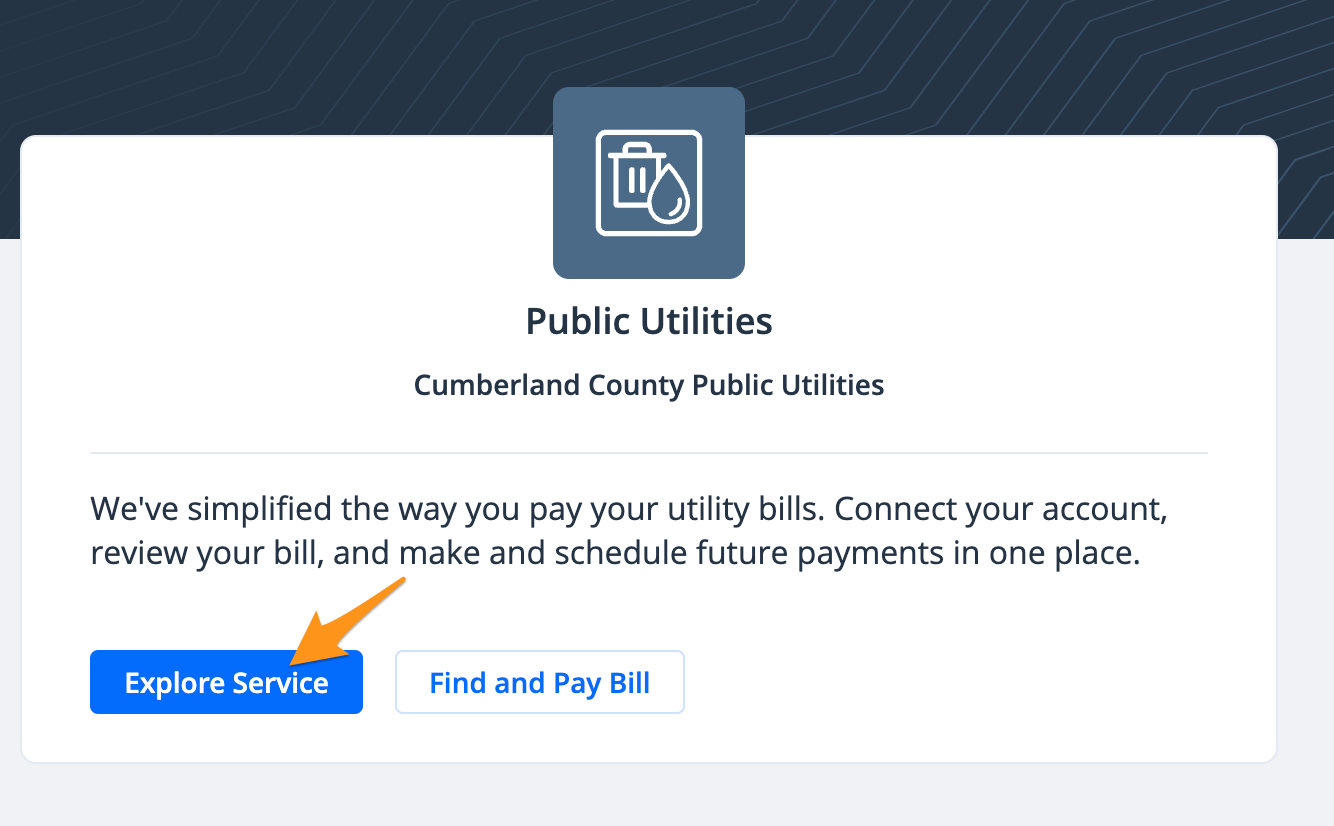
Login (see Create a Profile on MyCCNCPay) and under the "Available Services" section, click Explore Service
-
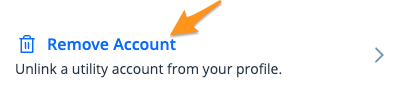
Click Remove Account
-
Select the account you would like to remove and click Submit
The account has now been removed from your profile and you will no longer receive email notifications or bill reminders for this account. If you need to connect a different utility account to your profile, see Link a Utility Account on MyCCNCPay).